
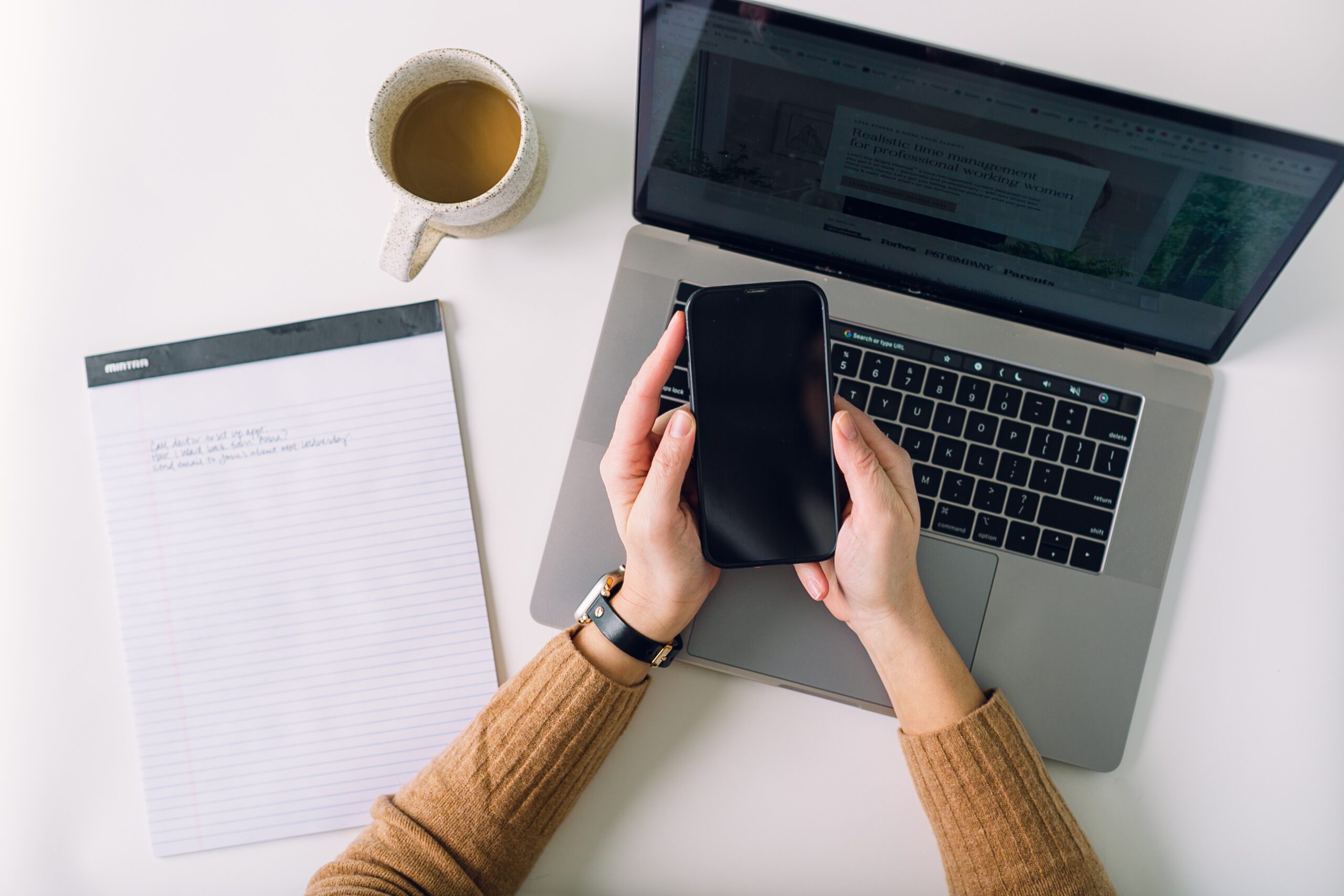
I love my Google Calendar, but I do have one criticism of it: its notifications. Despite all playing-with-settings gymnastics, Google’s (and my iPhone’s default) notifications basically disappear before I can read them and its snooze function is pretty worthless. But, never fear – at least if you’re an iPhone user.
read post
grab your coffee
Let’s make your life less stressful through the nerdy power of time management
Dig into actionable, realistic time management strategies designed for the professional working woman that mold to you.


I’m normally a do-do-do kind of person. I execute and implement all day long.
But I’m reading Cal Newport’s Deep Work, and he mentions how some highly accomplished people take “Thinking Weeks,” where they unplug, read and think for an entire week.
Intrigued, but unable to take a full week to do that (weirdly, the people Newport mentions are all men just sayin’), I found myself with a free afternoon yesterday.
Read More
Many women I work with struggle to enjoy downtime.
Whether it’s an hour of it at night or a week of it on vacation, downtime can get hijacked by worries about getting things done at work or at home.
So, while your body is technically going through the motions of doing something fun, your mind is somewhere else, buzzing with to-do’s and nagging concerns.
Here’s a system to deal with the nagging concerns that gets them out of your mind.
Read More
On a typical day, I can be A+ productive from 5am-11am-ish and then B+ productive from 1-3pm.
But have me give a big presentation or lead a group discussion at 9am, and I know that I’ll only have B- or even D productivity in the tank.
Time is not equal. Because your energy over time isn’t equal.
Understanding when you’re going to be TIRED, removing judgment from it, and planning for it allows you to get stuff done when it feels better, takes less time, and leads to better results. So, plan for it.
Read More
What if you could skip all those emails back and forth trying to find a time for a phone call/Zoom meeting? If you love those emails as much as I do (i.e., not much), have you checked out a meeting-booking software?
When I joined the entrepreneur world, I got introduced to Acuity and Calendly, and my first thought was, “WHERE WERE YOU WHEN I WAS PRACTICING LAW?” And since more and more of my professional clients are turning to them, I want to make sure you know about them, too.
Read More

Do you have to deal with CLEs, CMEs, or other continuing education requirements?
As I listened to one last night and logged it into my little CLE tracker spreadsheet, I realized I’m just two credits shy of meeting my requirements for this CLE period – and they aren’t due until January. This was one of those moments where I felt super grateful to Past Me for setting up Future Me to get something done without the last-minute scramble.
I just created a game plan to get it done over time – and voila! You can, too.
Here’re my tips for making CLE/CME/CE-compliance as painless as possible.
Read More
Ever heard of that time management advice to list out your “one thing” or “top three things” you have to do today – and then focus on those things until they’re done?
I’m not a fan. Here’re are a couple of reasons why and what we should focus on instead.
Read More
Two weeks ago, a prospective client said, “I’ve tried time-blocking before, and it didn’t work. How is your method different?” Man oh man, do I get it…
Read More
How do we manage our energy to show up in the way that we want to in our homes, at work, to better our country, and for ourselves – when the work and the context in which we’re doing it (hey, COVID) are so heavy?
There are no right or wrong strategies here, but here are some of mine.
Read More
Your to-do list will never be done. Before you think, “Kelly, that’s depressing – not freeing,” let me offer a different perspective:
It’s an incredibly powerful thing to realize and truly absorb.
Since you literally cannot finish your to-do list, let go of the pressure to get it all done RIGHT NOW.
Okay…but it’s easier said than done, right?
It’s hard to NOT see those 49 things on the list when you’re trying to relax.
Well, what if you could figure out when you’ll do those things – and then hide them until you were going to do them?
You’d get to avoid that “looming to-do’s” feeling.
You’d get to feel accomplished at the end of the day, not defeated by your never-ending to-do list.
And you’d still know they’d get done because they’d circle back around when it was time to do them.
And THAT’s why I’m such a big advocate for putting all of it in your calendar – because that’s exactly what happens.
Read More

LOVE these strategies?
check out my 10-week bright method time management program
Want to learn the full Bright Method, a system designed for working women that reduces stress and ups your peace of mind when it comes to managing it all (personal and professional)?


Is Email a Major Pain Point for you?
Reclaim your time from your inbox
Spending too much time in your email inbox? You’re not alone. Check out my short’n’sweet, self-paced email management course to help you reclaim control over your inbox.
LEARN MORE

Realistic time management designed for professional working women
I'm a former big law attorney who got overwhelmed as a first year and slowly pieced together a time/task management system that actually reduced my stressed, helped me stay on top of it all (and know it), feel confident drawing boundaries, and soak in time with my family and friends. I'd love to get you there, too.

Free DOWNLOAD
Hello, more breathing space.
Learn three realistic time management strategies desgined for professional working women that you can implement in just 20 minutes. Enter your info below & get the free guide in your inbox in a minute.